Saturday, April 7, 2012

My Journal's Manifesto


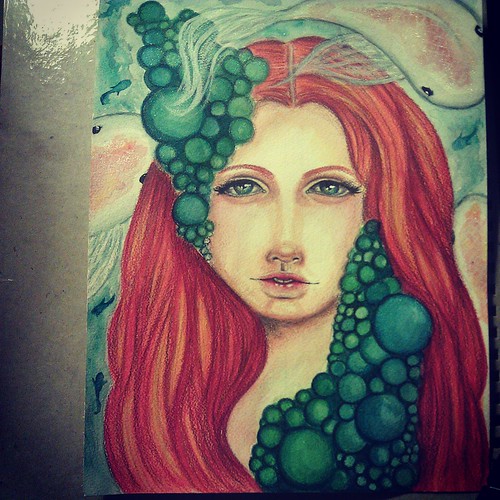
Spring is here
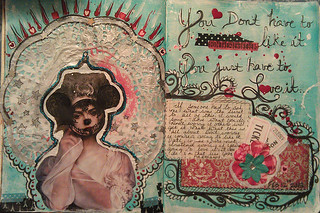
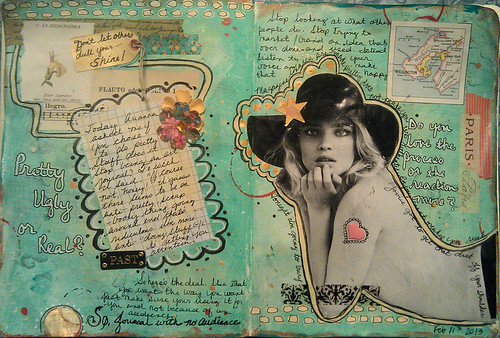
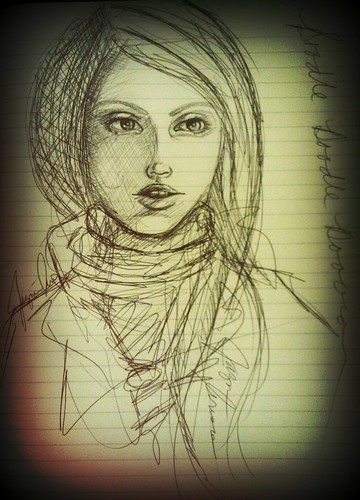
My journal is ephemeral by nature. It waxes and wanes with each phase of my life. It is mercurial in it's temperament. It is a journey that claims a destination before one is actually found. By its very nature it is transient - betwixt and between the thoughts that compound themselves in my mind.  It is a snapshot of a moment and that moment is fleeting, fading the moment it has come into being and gone before one can truly register and reflect on it's existence.  This then is the crux of my mission when I journal. To quickly record a visual representation of my thoughts and feeling and to add words that then give a key to my personal code.  Later on, if I choose, I can then go back and reflect on the moment or close the book on it and move on. In the end it is all the nature of life that we are in constant flux and so why should our journals not be the same as well?  Let them patina with time and display the signs of wear and tear.  I want my life to be well lived and so why not my journals as well?
Don't worry about what will happen when you've reached your destination. Instead, why not enjoy the journey?

Sunday, March 25, 2012

Artist: Andres Amador

What if your art was washed away every morning with the coming of the tide?  What if your ritual was to spend 2 hours every morning creating something only for it to be gone by midday?  Would you still want to do it or would your creativity wane with the ephemeral nature of your work?

Saturday, March 10, 2012

Blog Circle: A picture is worth a story

Watch "Blog circle: Photography and the artjournal" on YouTube

My laptop died before I could put up my post.  I've instead created a vlog post about the subject.

Please check out both Less Herger (http://comfortableshoesstudio.com)  and Traci Bunkers (http://tracibunkers.com)  for their posts.

Also, I invite you to check out http://artjournaling.ning.com for more information about visual / artjournaling

Wednesday, March 7, 2012

Photography Circle: Process, Create, Alter


In part two of our week long discussion about photography and the artjournal, we will be discussing how we alter our images, if we even alter them at all. Check out Traci Bunkers and Less Herger.for their thoughts on this subject.

Part of the call of using photographs in my journal is the ability to alter them to my hearts content.  Can I use them straight out of the camera?  Yes and I have done so on occasion but the transformation lures me – small stories that evolve with the right tone or crop.

I cut my teeth on digital photo manipulation.  This is my home base.

There are a few ways you can alter your photos depending on what you have available to you and how much time you want to put into it. I’m going to go over  my favorite ways of digitally altering my photos. (Physically altering is a totally different post for another time.)

Originally, I would download my photos into my personal computer and use a program like Paint Shop Pro or Photoshop to alter my pictures.  The great thing about these programs is the amount of control you have over your pictures.  You can create any look or correct almost any flaw with them. The downside?  The time you spend altering your pictures to get them just right.  I find myself using this method less and less as my time gets taken up by other responsibilities.


Picture of my daughter altered in Photoshop


Then I discovered the smartphone and my way of dealing with photos changed.

Smart phone Apps:

If I haven’t mentioned it before, I love, love, love, love my smart phone for one reason and one reason only.  APPS.  I have many photo apps that I use and it’s like an addiction. Give me more apps.  (I’m not shaky right now, I swear!)  

As I mentioned in the previous post, my smart phone has allowed me to document my everyday and the apps that alter my photos spark my creativity in so many ways.  It feeds the artistic soul when she has no other place to go. Two of my favorite phone apps are:


Daydreaming


Vignette using their retro filter with a grid option. (take four pictures and  have it show up next to each other)


Vignette is a cool little app that offers a free and paid version to Android users. The app gives you a few options that mimic certain types of cameras:  Holga, Diana, Polariod. More importantly it is very customizable and once you get the hang of it creates amazing pictures.  The paid version offers more options and allows you to save your pictures at a larger resolution, which the free version does not.  Another thing I really love about this app is the fact that is allows me to load pictures from my gallery and alter them as well.

Retro Camera (free and paid)

Morning fog

Photo taken with Retro Camera - The Bärbl


Retro Camera is an app that - you guessed it - mimics the look of cameras of times past.  The free version offers five options: The Bärbl, The Little Orange Box, Xolaroid 2000, The Pinhole Camera and The FudgeCan  The sixth option: Hipstamatic only comes with the paid ad free version of the app.


There are many more apps, so many in fact that I could not even begin to list them all.  No matter what you're looking for though, you'll find one that fits your needs.

On Friday we'll talk about how we use our photos in our journaling practice.  Leave a comment to add to the discussion.


Monday, March 5, 2012

Photography Circle: Cameras, Cameras, Cameras


One of the things I truly enjoy doing is talking to my art friends on how we approach different mediums. It's amazing how the same tools translate very differently from person to person. It is this fantastic dynamic that has inspired me to collaborate with two other artists, all uniquely different in their vision to talk about one of my favorite mediums: Photography. More specifically how we use photography in our journaling. From March 5th through March 9th, Less Herger from Comfortable Shoes Studio, Traci Bunkers and I will be discussing our own personal views on the subject with a three part blog hop (or circle as we like to call it).

March 5th: Cameras, cameras, cameras – Will be discussing the types of cameras we enjoy using and why.

March 7th: Process, Create, Alter - Our discussion will continue with the different ways we choose to alter our photos. What type of programs allow us to alter our photos to fit our vision.

March 9th: A picture is worth a story and then some – In this last segment we'll touch upon the various ways we've incorporated our pictures in our journals.

So, I hope you will join in our discussion and show us your ways of using photography creatively in your journals.


I have three cameras that I use. They all have their pros and cons and work well in different situations. I will only touch upon the types of cameras I use but when it comes to cameras there are so many choices that it is hard not to find one that will work for you.


DSLR:


My big investment was a Canon Digital Rebel XSI.  This was a huge jump from my point and shoot because now I had complete control over my camera. This requires forethought on my part. To think through what it is I am going to take a picture of. When this camera comes out, it's about creating a moment instead of capturing one.  I see photography as a artistic medium.  Creating a moment (as I did above) means orchestrating the scene in a picture to convey the emotion and story in your head. I have a number of lens with this camera.  I have a zoom lens, a fixed focal length lens (50 mm) and a lens baby which is a tilt shift lens.


Point and Shoot: 


 My first digital point and shoot camera was a Kodak 2mp easy share camera. It was only capable of printing out 4x6 pictures but from the moment it came into my hands I fell in love with it. This camera was artistic freedom. I no longer had to wait to see my pictures or worry about wasting film if I didn't get the shot right. It was instant gratification at its finest. Nowadays the type of camera you can get for less than 130 dollars is impressive. They are thin, sleek and compact and even take video as well!  I currently use a Canon powershot 12mp point and shoot.  I use this camera as a backup to my cellphone camera and since it records 1080 hd video, I film videos with it as well.

Cellphone:
SUNSET

 I have an android smart phone and to say that this little device changed the way I take photos is an understatement. As smart phones become more sophisticated their cameras become better. My phone currently boasts an 8mp rear facing camera which is pretty amazing considering that it is, in fact, a phone. I can see why they say that the point and shoot cameras have taken a hit in terms of sales. Why have a point n shoot when you can have pictures of comparable quality come out of a phone? It is one less thing to carry around.

The best things about smartphones when it comes to photography are the many applications (apps for short) that are available for free or a small fee. From vintage to faux lomo photography, you can find an app that can alter and change your photos in a way you'll find pleasing.  This currently my favorite camera because of ease of use and availability.  It is always with me and so I rarely miss an opportunity to take a photograph.

But this is only my way of using my cameras.  Hop on over to Less Herger's and  Traci Bunker's blog to see how other artists use their cameras.

Next:  What types of programs we use to alter our photographs.